Documentation
Overview
aikon Super Preloader allows you to dispaly a stylish and customized preloader to your website. This can be very useful for instances in which site loading takes longer than usual (e.g. international visitors, heavy visual content, etc.). The preloader will display your choice of loading spinner and text (and logo, if you wish), and will automatically and seamlessly fade out after loading is complete.
Installation (Plugin)
This is a standard Joomla! Plugin. To install it you will need to log into your administrator interface and select the Extension Manager under the 'Extensions' tab in your top menu (assuming you are using a standard admin interface). Once you're inside, click on the 'Upload Package File' tab (it may already be selected for you), and drag the plugin zip file into the 'Browse' button, or click on the 'Browse' button and select it. Finally, click on the 'Upload & Install' button and you're ready to go.
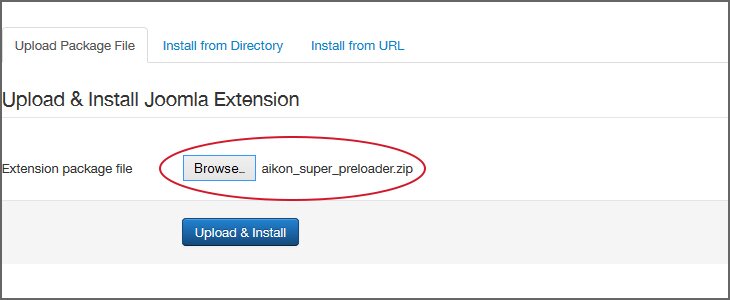
The plugin will now be available from the Plugin Manager found under the 'Extensions' tab in the top menu of the admin interface. Don't forget to publish it in the correct positioning and on the right pages.
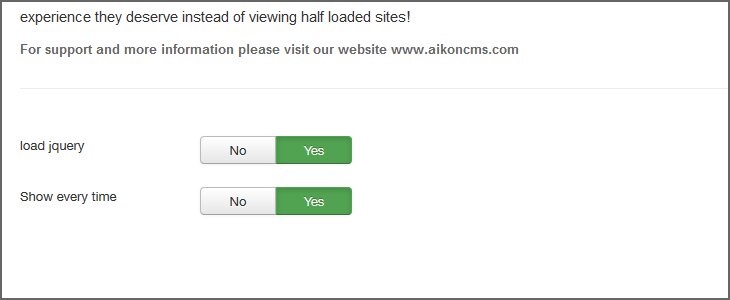
Heads up: the plugin requires jQuery to function. If you are encountering any problems, please make sure the 'Load jQuery' is switched on (by swiping 'Yes'). It is necessary to configure the plugin correctly in order to get a proper display. Please keep reading.
Configuring and Styling Your Preloader
In the 'Basic' tab (which you will see right away), you can only find very basic settings. The really cool stuff are inside the 'Style' and 'Content' tabs.
The 'Basic' tab will allow you to include jQuery. Use this if the plugin doesn't disappear after the site has loaded. In addition, you can select if the plugin should be diaplayed to your visitor only once or on every page he/she visits. Finally, you can set an extra delay feature that will postpone the vanishing effect of the preloader.
Setting Your Content
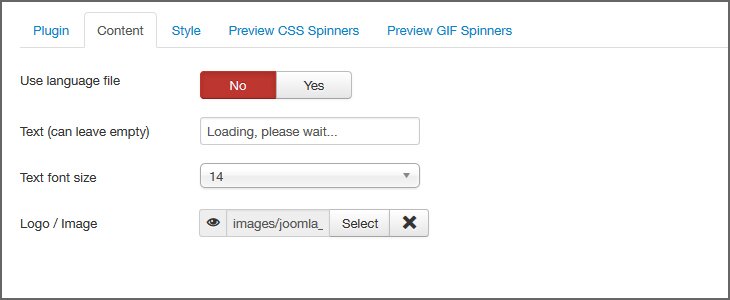
In the 'Content' tab you can select the text you want to display. You can also choose a font size and image (most users prefer using their logo). The text part is a bit more interesting. If you are using a single language website, just enter your text into the 'Text' field and make sure that 'Use Language File' is switched off. This will show your text to all users without you having to edit any files. If you are using several languages – we still got you covered! Just turn the 'Use Language File' on and edit all your language files for the plugin exactly as with any other extension.
Styling Your Preloader
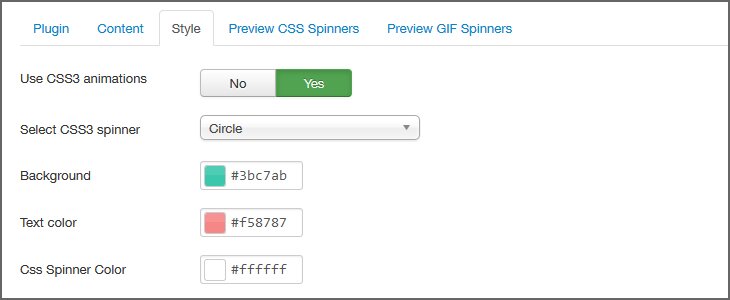
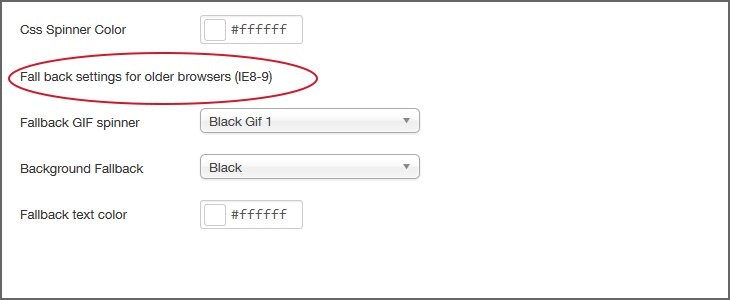
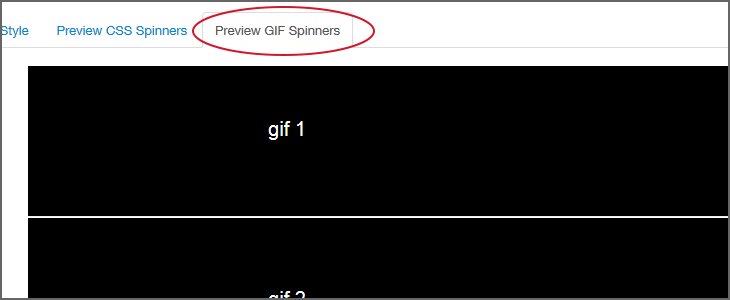
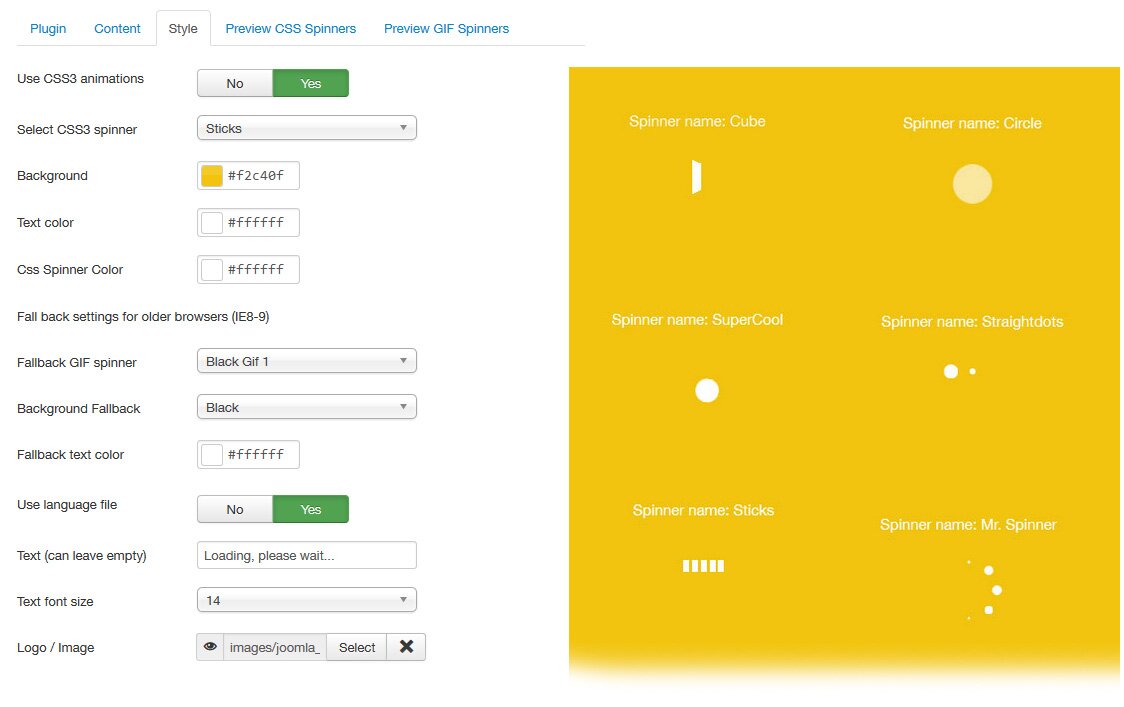
The style tab is divided into two: 'Settings' and 'Fallback Settings'. IE9 and older browsers do not support the animations required for the awesome CSS3 spinners. That's no longer a problem! For the spinners to work, all you have to do is select a background color, a gif-based spinner and text color. Those will be displayed for your IE9 users. If you prefer, you can also turn CSS3 animations off for all your users using the aptly named field, however, we recommend against it.
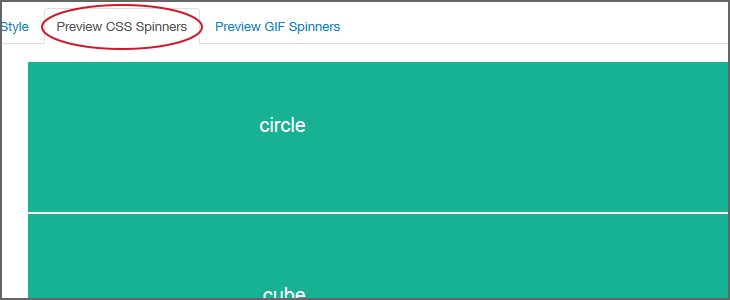
Finally, for the majority of your users, you can select a spinner, text and background color, as well as a spinner style from the appropriate fields.
Troubleshooting - Solving jQuery Issues
Most extensions require a jQuery plugin. Many of them include added features that enable users to leverage jQuery to the fullest. The only problem is that users often upload jQuery themselves, and by doing so they overwrite the extended version of jQuery, thus preventing the extension from working properly.
The best solution is to make sure only one instance of jQuery is loaded. One way of doing that is to manually check that jQuery is NOT loaded via the form template but by Joomla! only. We also suggest you download a free plugin which can help you handle this issue. It's called jQuery Easy, and it's available here: http://extensions.joomla.org/extensions/core-enhancements/performance/jquery-scripts/18327.
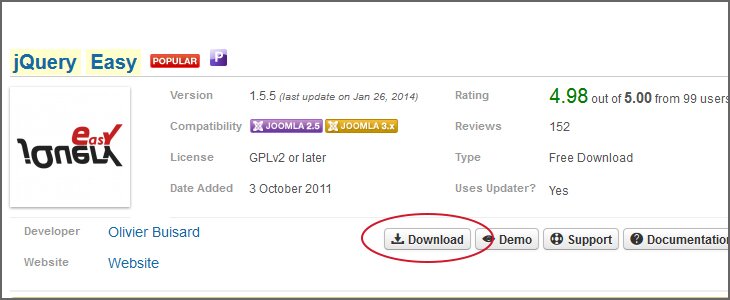
Pease notice: we are NOT responsible for any damage that may be caused by using the jQuery Easy plugin. The plugin needs to installed, enabled and configured manually.
The recommended settings for this plugin are: under the 'Basic Site Options' select 'Enable jQuery field jQuery' or 'JQuery+jQuery UI (select one of them, according to your specific needs). Under version select 1.8 and you're ready to go!


 2.5 + 3.X














 2.5 + 3.X


